
Ciarán Baselmans
Set Absence: Cancel All Desk Bookings for a Period in One Step
Planning a vacation, working from home for a week, or heading to a conference? FLEXIDESK now lets you cancel all existing desk bookings for any period of time in a single action - with the new Set Absence feature.
What’s new
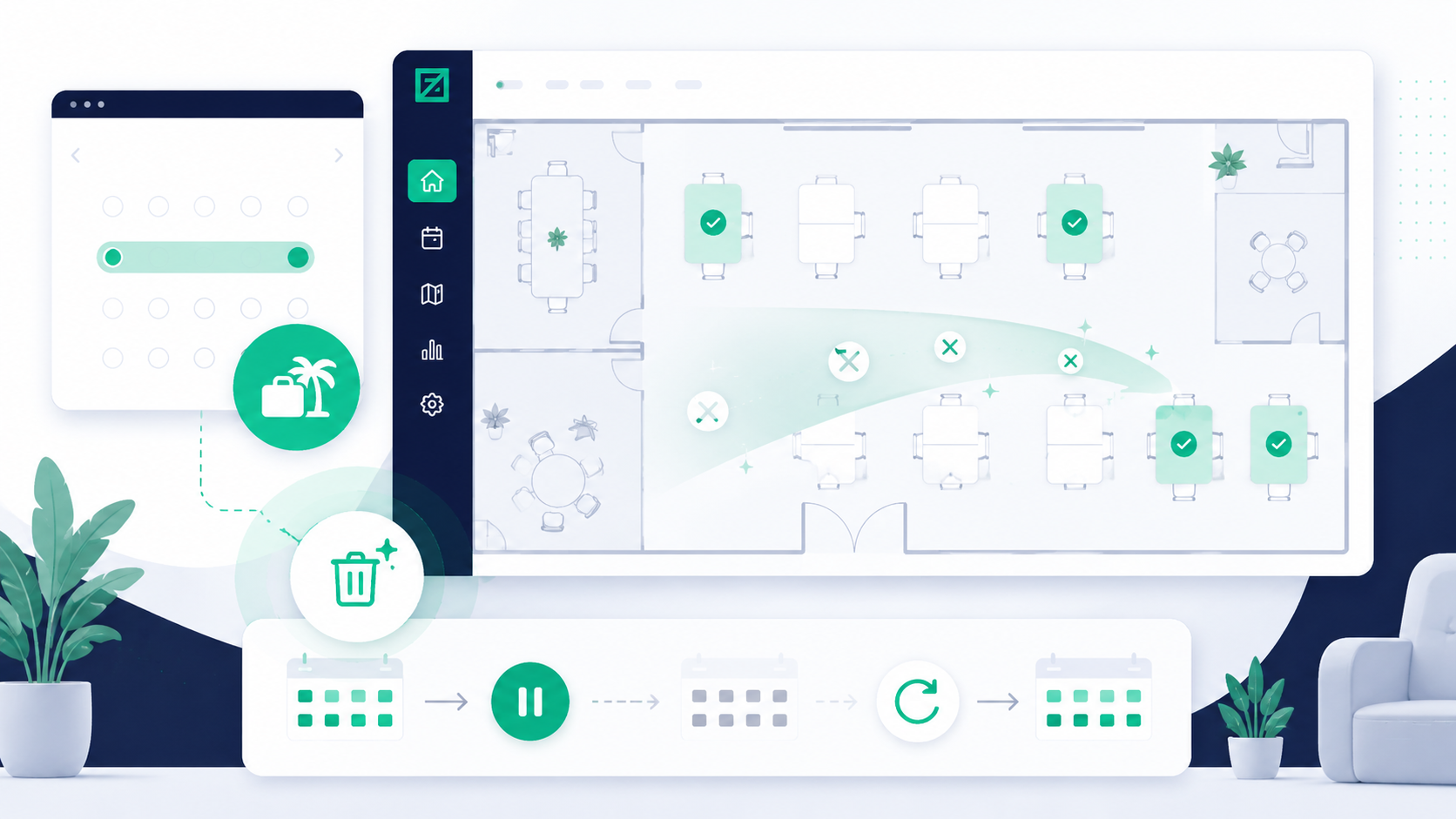
Until now, clearing your schedule meant canceling bookings one by one. With Set Absence, you simply define a date range and FLEXIDESK takes care of the rest: all existing bookings within that period are removed, and your default schedule is paused for those days.
No manual cleanup. No risk of forgetting a booking. One action, done.
How it works
Set Absence is available to every FLEXIDESK user. No admin rights required.
To use it:
- Click on your profile (top right corner)
- Select “Set absence”
- Choose a start date and an end date
- Hit Save
That’s it. FLEXIDESK will automatically remove all desk bookings that fall within the selected period and suspend your default schedule for those days.
Once you’re back, your default schedule picks up again as usual - nothing to re-configure.
Why this matters
Default schedules in FLEXIDESK are a powerful way to automate recurring bookings. But they also mean that if you go on leave and forget to cancel, desks get reserved for days you’re not in the office - wasting space that others could use.
Set Absence closes that gap cleanly. It’s the responsible counterpart to automated booking: just as easy to set up, and just as hands-off once confirmed.
For teams working with limited desk capacity, this makes a real difference. Every unnecessary booking that gets cleared up frees a desk for someone who actually needs it.
A workflow that finally matches reality
Most people don’t think about their desk bookings when they’re planning time off. Set Absence makes it easy to handle both at once. Set your out-of-office, set your absence in FLEXIDESK, and you’re covered.
It’s a small feature with a noticeable impact on how well shared office space actually gets used.